

Administration
Administration covers system health, apps, cron, caching, the database, security, backups, and updates.
Daily checks
sudo -u www-data php8.4 /var/www/owncloud.online/occ status
sudo -u www-data php8.4 /var/www/owncloud.online/occ app:list
sudo -u www-data php8.4 /var/www/owncloud.online/occ background:queue:status
Important paths
| Path | Purpose |
|---|---|
/var/www/owncloud.online |
Application code |
/var/owncloud-online-data |
Data directory with the user data |
/var/log/apache2 |
Apache web server logs |
/var/log/php8.4-fpm.log |
PHP-FPM log |
config/config.php |
System configuration |
These paths are examples. The data directory of your instance is set in
config/config.php under datadirectory:
sudo -u www-data php8.4 /var/www/owncloud.online/occ config:system:get datadirectory
The admin interface
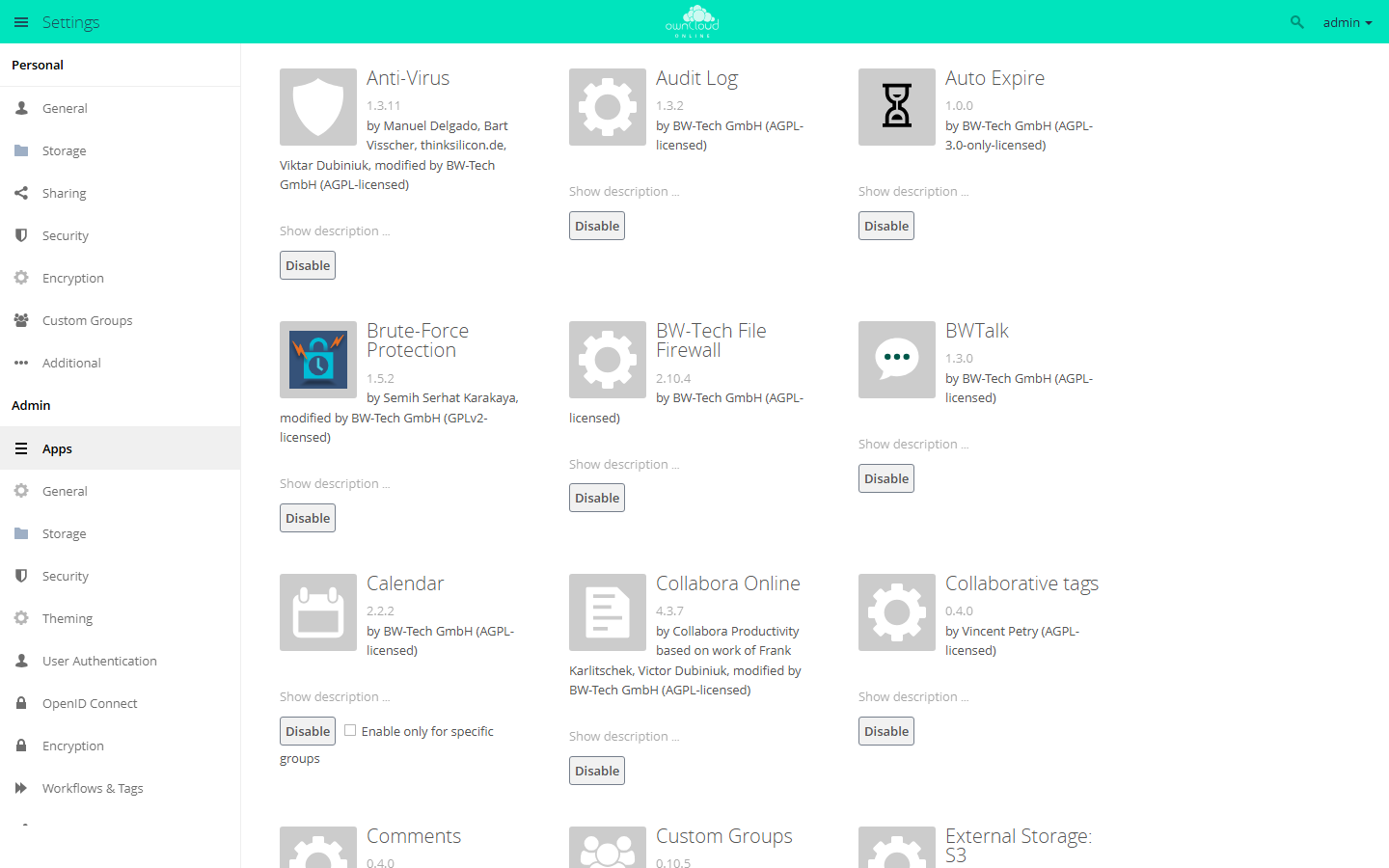
Open it with Settings in the user menu at the top right. The left column separates personal settings from the admin settings. Everything under Admin applies to the whole instance.
Under Admin → Apps you enable and disable installed apps. Some apps can be limited to specific groups with Enable only for specific groups.
Apps and the Market
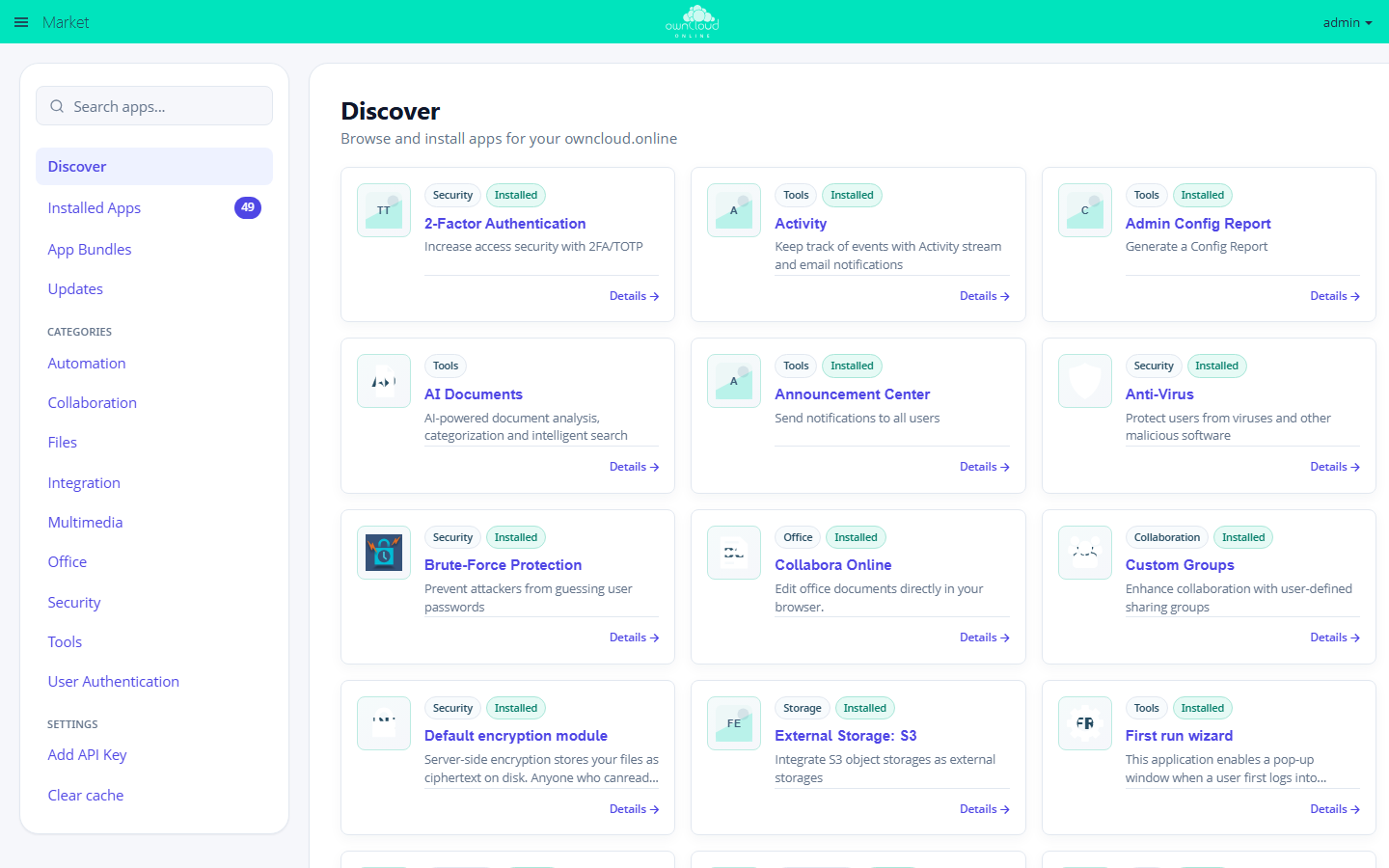
Under Installed Apps, the Market lists everything installed on this instance, with version, author, status, and whether the app is compatible with the server version. Updates lists the apps that have a newer version in the catalog.
If the Market shows "Installing and updating Apps is not supported!", the
server cannot install apps on its own. Either the web server cannot write to the
directory marked writable in apps_paths (usually apps-external), or
operation.mode is set to clustered-instance. occ market:install fails in
that case as well. Copy the app package to the server by hand instead and
enable it with occ app:enable, see
Managing apps.